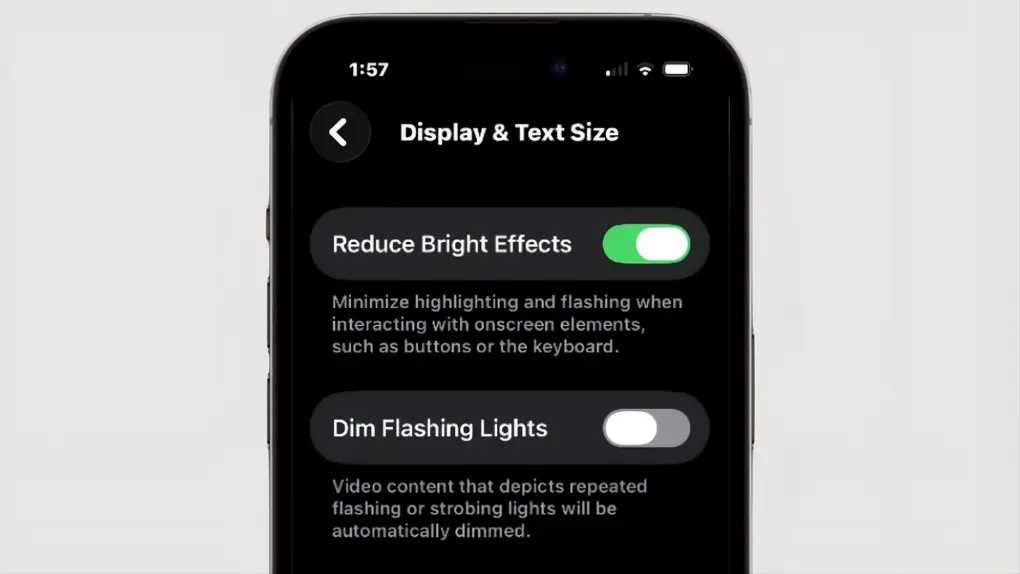
Those who aren’t fans of Apple’s Liquid Glass have a new way to disable some of its distracting features. “Reduce Bright Effects” appeared in iOS 26.4, as well as macOS and iPadOS. As the name suggests, it is intended to minimize highlighting and flashing when pushing on-screen buttons.
Here’s how to find the toggle switch.
Liquid Glass: Love/Hate It
When Liquid Glass appeared in iOS 26 and macOS 26, most users were accepting of the translucent, glass-like elements that reflect and refract content, and many people quite like it. But others complained that it makes text and controls harder to read.
Some of the criticism centers on Liquid Glass supposedly including bright flashes that are distracting. That’s exactly what Reduce Bright Effects addresses.
It’s just one of numerous options Apple built into later iOS 26 updates to let users tone down Liquid Glass.
How to enable ‘Reduce Bright Effects’ in iOS 26.4
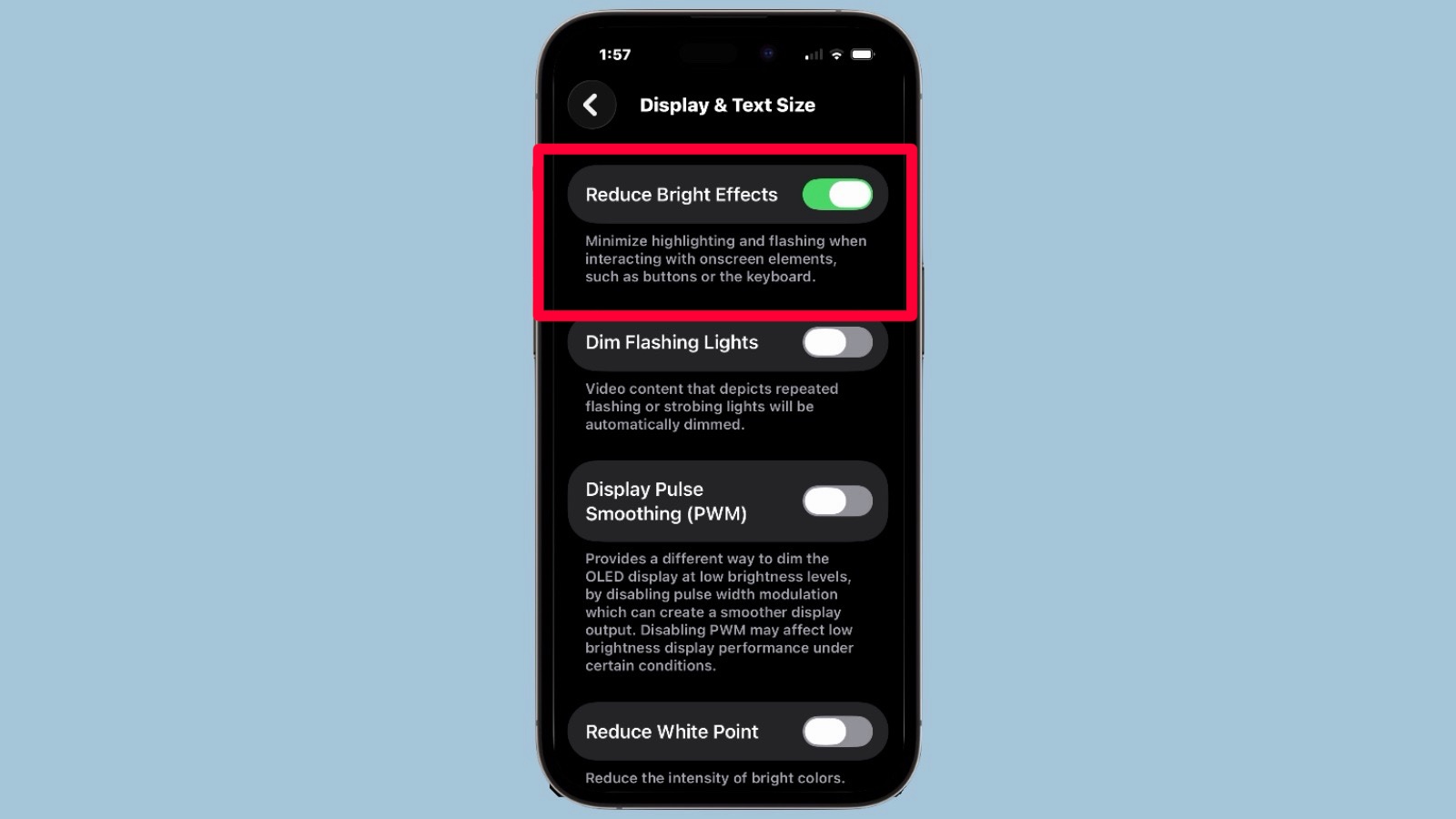
Screenshot: Cult of Mac
Apple promises that the new Reduce Bright Effects option will “minimize highlighting and flashing when interacting with onscreen elements, such as buttons or the keyboard.”
It’s part of iOS 26.4, so the first step in enabling the new feature is to be sure you have that installed. Then follow these steps on your iPhone:
- Open the Settings app
- Tap Accessibility
- Select Display & Text Size
- Scroll down to find Reduce Bright Effects
- Toggle it on
The same toggle appears in iPadOS 26.4 and macOS 26.4.
Once enabled, the change is immediate. You should notice softer transitions, less intense flashes and a generally calmer visual experience.
For example, when you press a button in the Control Center or enter your passcode, the bright, glowing feedback is significantly minimized or removed entirely. While some users feel this “saps some life” out of the vibrant Liquid Glass aesthetic, it is a major win for those sensitive to flashing light or high-contrast motion.
More ways to melt Liquid Glass
The bad news for those who aren’t fans of Liquid Glass is that there are no signs that Apple is going to pull the plug on it. Information leaking out of Cupertino about iOS 27 indicates that it’ll include the glossy, transparent design.
- See also: Liquid Glass is here to stay
But since the debut, Apple has given users options to scale back the new look. Most notably, there’s the option to decrease the transparency level, which comes very close to nerfing all of Liquid Glass.

Ed Hardy has been writing full-time about tech for 25 years, and using it for much longer than that. His intro to Apple was a Macintosh SE/30 (which he still has), but now he uses a 13-inch iPad Pro as his primary computer.
That’s because he’s a “tablet first” type of guy. Rather than use a Macbook, he connects a keyboard case to the iPad. And instead of a desktop Mac, he connects his tablet to a 27-inch display and full-size keyboard. (So don’t try to tell him that everyone has to use a Mac to be productive.)
Before coming to Cult of Mac, Ed wrote for NotebookReview, TabletPCReview and Brighthand, as well as other sites.

